Serverless Slowness: My Debugging Journey
The other day, I was feeling pretty smug. My serverless functions, usually zippy little things, were handling user requests like a champ. Then, bam. All of a sudden, latency spiked. Users were complai...

r5yn1r4143
Apr 8
The other day, I was feeling pretty smug. My serverless functions, usually zippy little things, were handling user requests like a champ. Then, bam. All of a sudden, latency spiked. Users were complaining, metrics were screaming red, and I was staring at my screen, muttering, "What the heck happened?" It felt like my carefully crafted AWS Lambda functions decided to take a siesta right when I needed them most. If your serverless setup has gone from "vroom vroom" to "chugga chugga choo choo," you're probably experiencing some of the same sneaky performance killers I just wrestled with.
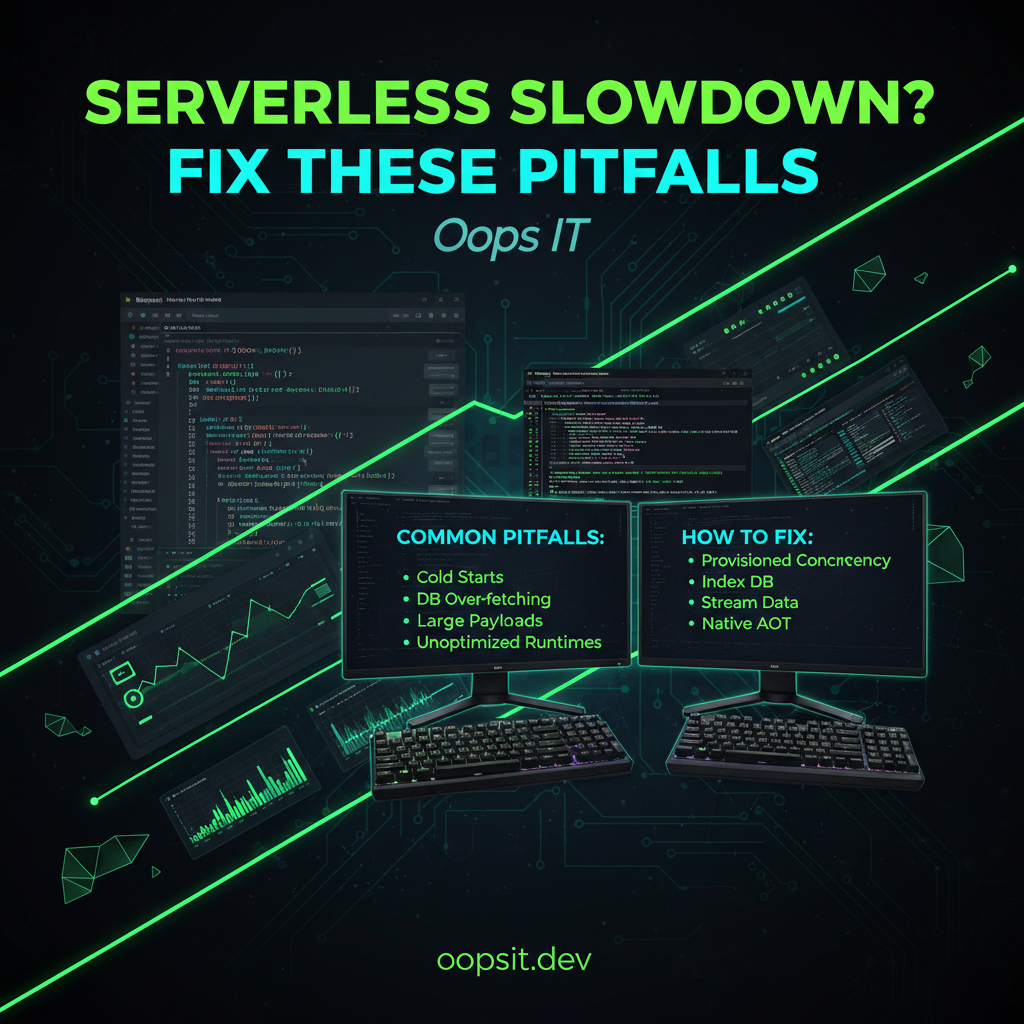
TL;DR: The Usual Suspects for Slow Serverless Functions
Before we dive deep, here's a quick rundown of the common culprits for your serverless functions suddenly becoming sluggish:
Cold Starts: The infamous delay when a function hasn't been used recently. Dependencies Bloat: Too many libraries slowing down your deployment package and initialization. Inefficient Code/Logic: Suboptimal algorithms or unnecessary processing. External Service Latency: Your function is waiting on another slow API or database. Memory/CPU Limits: Not enough resources allocated to your function.
The Cold Start Conundrum (Or, "Why is my function suddenly taking 5 seconds to respond?")
This is the classic serverless villain. When your function hasn't been invoked for a while, the cloud provider (AWS, Azure, GCP) spins down the container running your code. The next time a request comes in, it has to re-initialize everything: download your code, set up the runtime, and load all your dependencies. This initial setup time is the "cold start."
I remember one instance where a critical background job suddenly started timing out. My initial thought was a code bug, but after digging through CloudWatch logs, I saw this consistent pattern:
REPORT RequestId: 12345-abcd-efgh-ijkl-mnopqrstuv ProcessDuration: 5123.45 ms Duration: 5150.00 ms InitDuration: 4980.10 ms
See that InitDuration? Nearly 5 seconds! That's the killer. The actual execution of my code (ProcessDuration) was milliseconds, but the initialization was swallowing it whole.
How to Mitigate Cold Starts:
Dependency Hell: When Your node_modules Folder Becomes an Anchor
We've all been there: you need a tiny utility, so you npm install it. Then you need another, and another. Before you know it, your deployment package is enormous. Larger packages mean longer upload times, more memory to load, and ultimately, slower initialization and execution.
I was working on a simple API endpoint that suddenly became sluggish. My package.json looked like a who's who of the JavaScript ecosystem. When I zipped up my deployment artifact, it was nearly 100MB! Uploading and unpacking that behemoth was definitely contributing to the slowdown.
Troubleshooting Dependency Bloat:
npm list or yarn list to see what you're actually using. Remove unused packages.serverless-webpack or serverless-esbuild can help optimize your deployment packages automatically.Here’s a snippet of a serverless.yml using serverless-esbuild for optimization:
# serverless.yml
service: my-fast-apiprovider:
name: aws
runtime: nodejs18.x
# ... other configurations
functions:
myHandler:
handler: handler.main
# Use esbuild to bundle and minify
package:
individually: true
patterns:
- '!node_modules/' # Exclude node_modules initially
plugins:
- serverless-esbuild # Add the plugin
custom:
esbuild:
packager: npm # or yarn
bundle: true
minify: true
sourcemap: true # Optional, for debugging
exclude: # Specify modules to exclude from the bundle (e.g., external AWS SDK)
- aws-sdk
# Add other esbuild configurations as needed
Is Your Function Just... Doing Too Much? (Inefficient Logic & External Waits)
Sometimes, the serverless platform is blameless. Your code might just be taking its sweet time. This could be due to:
Inefficient Algorithms: A loop that could be optimized, or a brute-force approach where a smarter one exists. Blocking Operations: Synchronous I/O calls that halt execution. External Service Latency: Your function is waiting on a slow database query, an external API call, or a downstream microservice.
I once had a function that fetched user data, then used that data to fetch related product information, and then made another call to a recommendations service. Each step added latency. When one of those external services started responding slowly, my function’s overall response time ballooned.
Spotting and Fixing Inefficiency:
Promise.all (JavaScript) or asyncio (Python) to run them concurrently rather than sequentially.Comments
Sign in to join the discussion.